
HALLOWEEN DEAL!
The Halloween deal applies to all designs and models for a cart value of 290 EUR or more.
10% OFF + ATTACHMENTS · CODE: GHOST Click here to apply the discount automatically at checkout.All deals and events are also available with any of our partner codes. Please support your creator.
The Halloween deal applies to all designs and models for a cart value of 290 EUR or more.
10% OFF + ATTACHMENTS · CODE: GHOST Click here to apply the discount automatically at checkout.
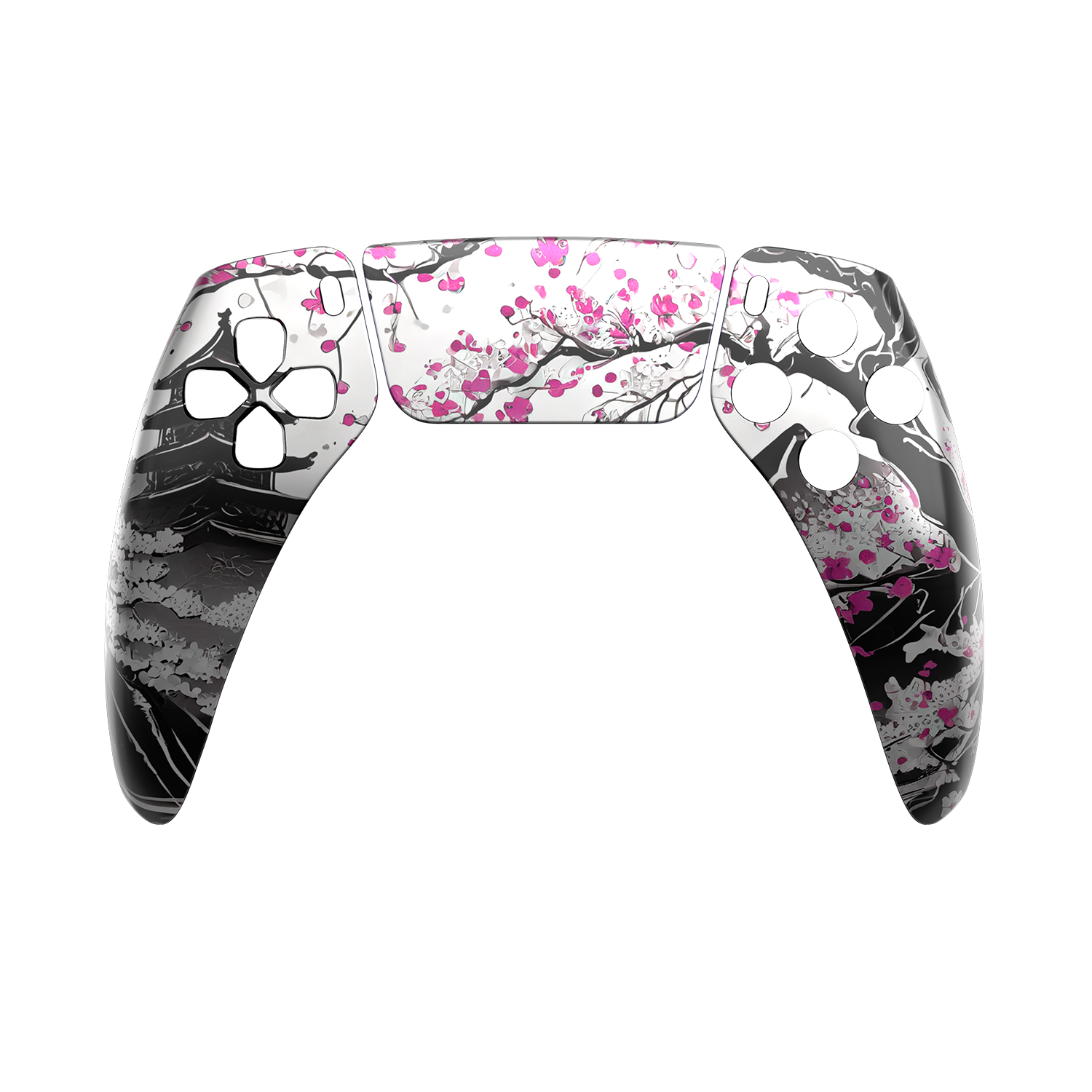
Two designs bring the effect to life: Misaki with beautiful cherry blossom effects, and Haptic, where logos and lettering disappear at certain viewing angles as you move the controller. You'll soon be able to pre-order Holo Motion!
LEARN MORE
A heartfelt thank you to our loyal customers who have brought Rocket Games this far. We're very proud of our own configurator, and it's now yours to explore. Have fun!
CUSTOMISEROCKET CONTROLLER LAB
Build your PS5 and PC controller step by step. Decide how it looks, how the sticks feel and which features suit your games.
Configure your controller nowThe current options and your price are shown directly in the configurator.
Start with your games and how you hold the controller. Do you mainly play shooters, want adaptive triggers for racing games, or need a controller for many genres? Set your functional priorities and budget first. Then combine colours and designs.
The configurator is a modular system: your back shell and individual upgrades are separate choices. Check the full summary at the end – the model name alone does not specify your selected features.
01–07 / DESIGN
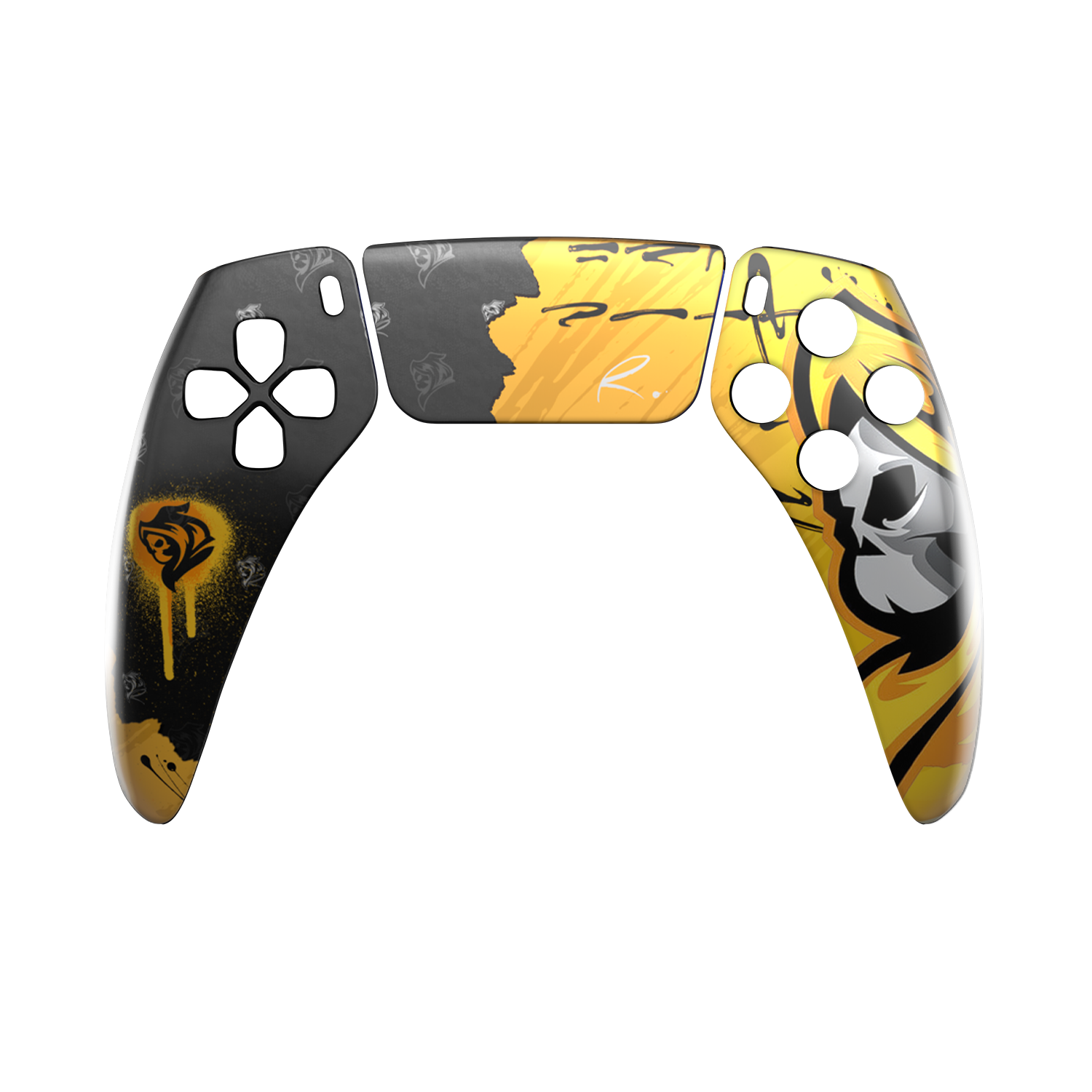
Choose your faceplate, touch pad, Options buttons, D-pad, buttons, front bar and button rings. The configurator offers original colours, soft-touch options, designs and creator or limited-edition artwork.
A good starting point: one main design, an accent colour and matching buttons. Use the views to check the front and back together.
08 / STICK TECHNOLOGY
The configurator offers original stick technology and GuliKit TMR. TMR detects stick movement magnetically. Choose the technology deliberately; you select the outer stick caps in the next step.
Your game's deadzone and sensitivity also matter for control. Suitable settings are as important as your hardware choices.

09 / STICK SYSTEM
Choose between the original stick system and Force Gears Black. Consider whether your existing caps feel secure and comfortable or whether you would prefer a different grip.
If possible, try your preferred stick height and shape using your usual hand position. A taller cap changes the feel when aiming; the best choice lets you play comfortably and with control.

10 / BACK SHELL
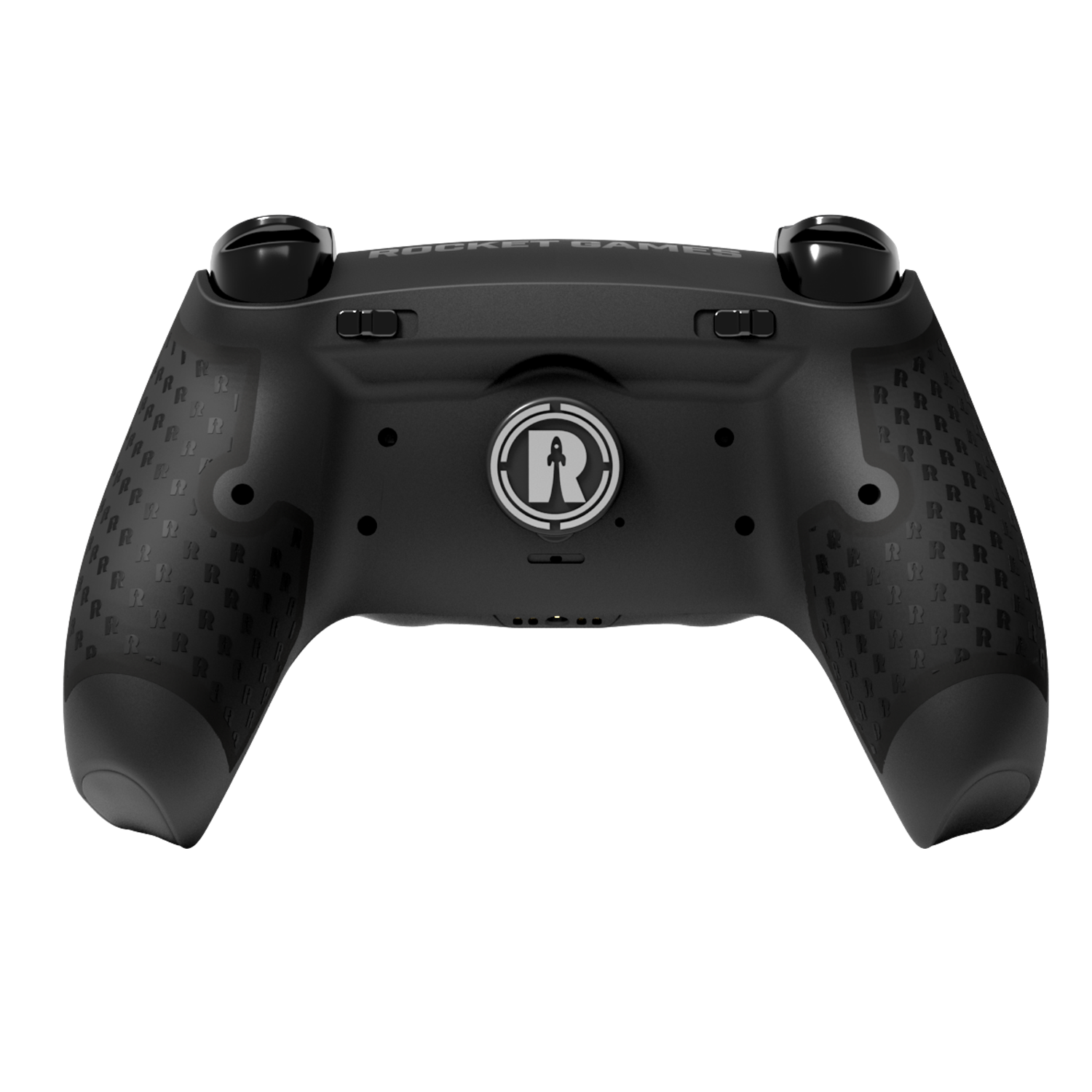
Choose FORCE Z without paddles or FORCE, FORCE PRO and FORCE X with SWAP Paddles. Paddles can help you perform important actions while keeping your thumbs on the sticks.
Check the model differences: FORCE PRO has fixed digital triggers. FORCE X has a Switch Trigger selector for switching between adaptive and digital modes. Check which features are included or available as extras for your selection in the configurator.
11–13 / BUTTONS & TRIGGERS
Check the digital triggers, digital bumpers and digital front buttons steps individually. The configurator offers Yes/No choices for these upgrades where compatible with your configuration.
A short, distinct activation can be useful for shooters. Racing games often benefit from finely controlled trigger input. Choose features for your preferred games instead of automatically adding every upgrade.
14 / RUMBLE MOTORS
Keep the rumble motors or choose the option labelled “−60 g” in the configurator. Keeping the motors preserves their vibration feedback; removing them changes the weight and removes that feedback.
If you prefer vibration when playing, keep the motors. For a lighter controller, check the weight option in the summary.
Consider TMR sticks, a back shell with paddles and digital inputs. Assign important actions so your thumbs can stay on the sticks as much as possible.
Pay particular attention to the trigger function. FORCE X switches between adaptive and digital triggers. Decide separately on bumpers, front buttons and vibration.
Start with your favourite design and familiar controls. FORCE Z is the option without paddles. Add only the functions you actually want to use.
When this guide was created, the new configurator already offered over 50 faceplate options plus choices for seven design areas. Add stick technology, a stick system, four back shells and functional upgrades.
These choices create many combinations. We deliberately do not give a fixed number of valid, orderable controllers: availability, compatible parts and earlier choices can change the options that follow. The current selection in the configurator is always decisive.
The Controller Lab's save function lets you save your configuration. Also read the warranty, delivery and Trade In information in the configurator before ordering.
Build my controllerNo. Check every step and the summary. The configurator shows your specific choices and their prices.
Yes. Use the controller views in the Lab to check your build from different angles.
FORCE PRO has fixed, non-adjustable digital triggers. On FORCE X, the Switch Trigger selector switches between adaptive and digital triggers. Check the other features in your configuration summary.
Rocket Games can help if you are unsure about a choice. Use the contact page or Service Portal.
Contact · Service Portal


